
Fleet context
Keep the unit, combination and depot record together.
Fleet evidence and accountable dispatch
Connect fleet checks, defects and workshop evidence. Keep competent clearance and dispatch readiness tied to the unit or combination.

Fleet evidence and accountable dispatch
Connect observations, inspections, repairs and competent clearance.
Keep the unit, combination and depot record together.
Separate daily observations from skilled inspections.
Connect defects, restrictions and workshop work.
Record clearance and the point-in-time readiness snapshot.

Distinct activities and evidence
The illustration represents fleet checks and skilled inspection, not an application screenshot.
Record daily observations, meter readings and defects.
Keep competent-person scope, findings and inspection evidence distinct.
From observation to dispatch
Carry evidence and responsibility through each stage.
Capture daily checks, meter readings and defects.
Connect restrictions, due programmes and inspection work.
Keep work, parts, findings and supporting evidence together.
Record competent clearance and the readiness snapshot.
Your fleet evidence workspace
Keep current state, supporting evidence and responsible decisions connected.
Keep vehicles, trailers, powered attachments, combinations and depot context together.
Record operator checks, meter readings and defects at the point of use.
Retain the competent person, scope, findings and evidence for scheduled or triggered inspections.
Connect the observed defect to restrictions, due programmes and the required response.
Keep work orders, parts, repairs and supporting evidence attached to the unit and defect.
Record a named, evidence-backed return-to-service decision before dispatching a restricted unit.
Show what was known, due, restricted and cleared for the unit or combination at dispatch time.
Use the same capability model with the published fleet-unit and completed-event capacity for your tier.
Distinct responsibilities, connected records
Keep each activity clear while it contributes to the same fleet decision.
Record driver or operator findings at the point of use.
Record competence, scope, findings and evidence.
Connect the repair, parts and supporting evidence.
Retain the named competent return-to-service decision.
A continuing operational record
Continue from the source, state, actions and history already recorded.
Keep current state and due programmes visible.
Show the unresolved conditions requiring action.
Carry findings and work records through the response.
Keep changes, clearance and dispatch decisions traceable.

From defect to dispatch
Connect the restriction, work order, parts and repair evidence.
Record named competent clearance for the restricted unit.
Retain the point-in-time dispatch-readiness snapshot.
Evidence supports responsible judgement
Keep activity scope, uncertainty and responsibility visible.
Read the snapshot in its recorded dispatch context.
Daily checks do not become skilled inspections.
The responsible person assesses sufficiency for the real-world outcome.
Organise fleet evidence without claiming regulator approval or guaranteed compliance.
Plans and company access
Choose the capacity and access that fit your organisation.
Fleet Service & Inspection Manager uses company access with four capacity tiers.
The approved company model includes unlimited authorised company users.
Review current company plans, prices and capacity in your VISINVOKE account before choosing access.
Other VISINVOKE products have their own access arrangements. Create a free account and choose the company plan you need.
VISINVOKE means value
A focused workspace for fleet state, competent clearance and accountable dispatch.

Keep unit, combination and depot context clear.
Carry defects, restrictions and workshop evidence together.
Retain changes, responsible decisions and evidence.
Read readiness in its point-in-time context.
Build your VISINVOKE workspace
Each card opens its own product website. Review purpose and access separately; related products do not promise included access or automatic synchronisation.

Open your VISINVOKE products from one desktop workspace.

Explore a separate workspace for service and project records.

Explore separate local backup preparation.
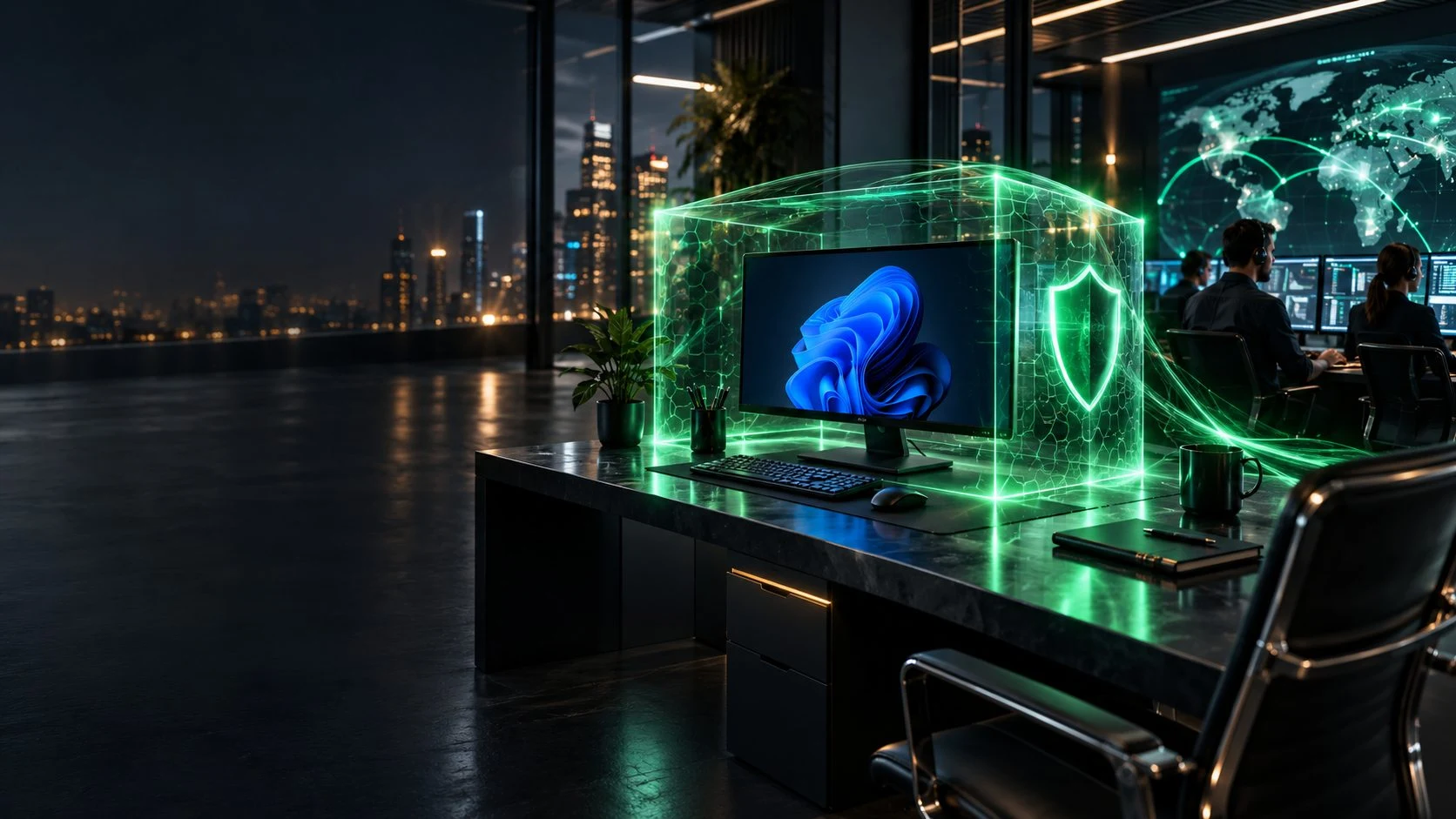
Review separate managed computer protection.

Explore separate device protection and response.
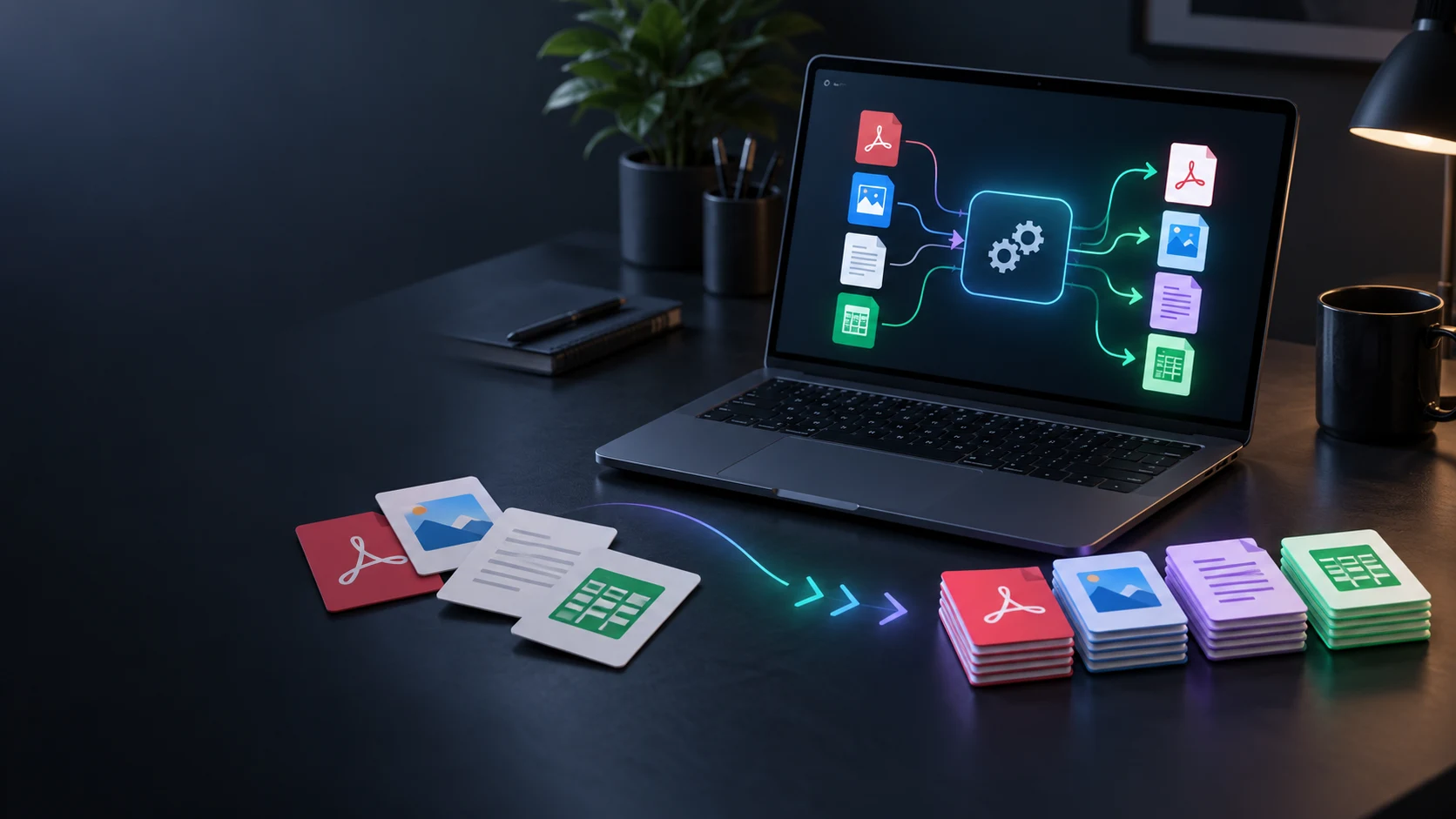
Convert files with a separate local utility.
Product artwork is illustrative, not application screenshots or your infrastructure.
Quick answers
Understand checks, inspections, clearance, dispatch and company capacity.
Connect fleet units, daily observations, defects, due programmes, skilled inspections, workshop work and competent clearance to dispatch decisions. Keep the supporting evidence and responsible decision connected to the vehicle, trailer, attachment or combination.
No. Daily driver or operator observations remain distinct from skilled inspections. Record the competent person, scope, findings and evidence for scheduled or triggered inspection work, alongside daily checks and meter readings.
Carry a defect from observation through restriction and the required response. Keep due programmes, work orders, parts, repairs and workshop evidence attached to the affected unit and defect. Record the named competent clearance decision before a restricted unit returns to dispatch.
A point-in-time readiness snapshot shows what was known, due, restricted and cleared for the unit or combination at dispatch time. It connects the dispatch decision to the recorded evidence and current state.
No. The system organises evidence, state, actions and history. The responsible person decides whether the evidence is sufficient for the real-world outcome. It does not provide regulator approval or guarantee legal roadworthiness or compliance, and is not a worker-disciplinary surveillance system.
Create a free VISINVOKE account and review current company plans, pricing and capacity. INVOKE, FORGE, NEXUS and APEX use the same capability model with different published fleet-unit and completed-event limits. The approved company model includes unlimited authorised users. Use Desktop Command Centre on Windows for your VISINVOKE workspace. Other products have separate access arrangements.
Continue in VISINVOKE
Create a free VISINVOKE account and review company plans.
Get Desktop Command Centre from your account installer page. Sign in on Windows and open Fleet Service & Inspection Manager.